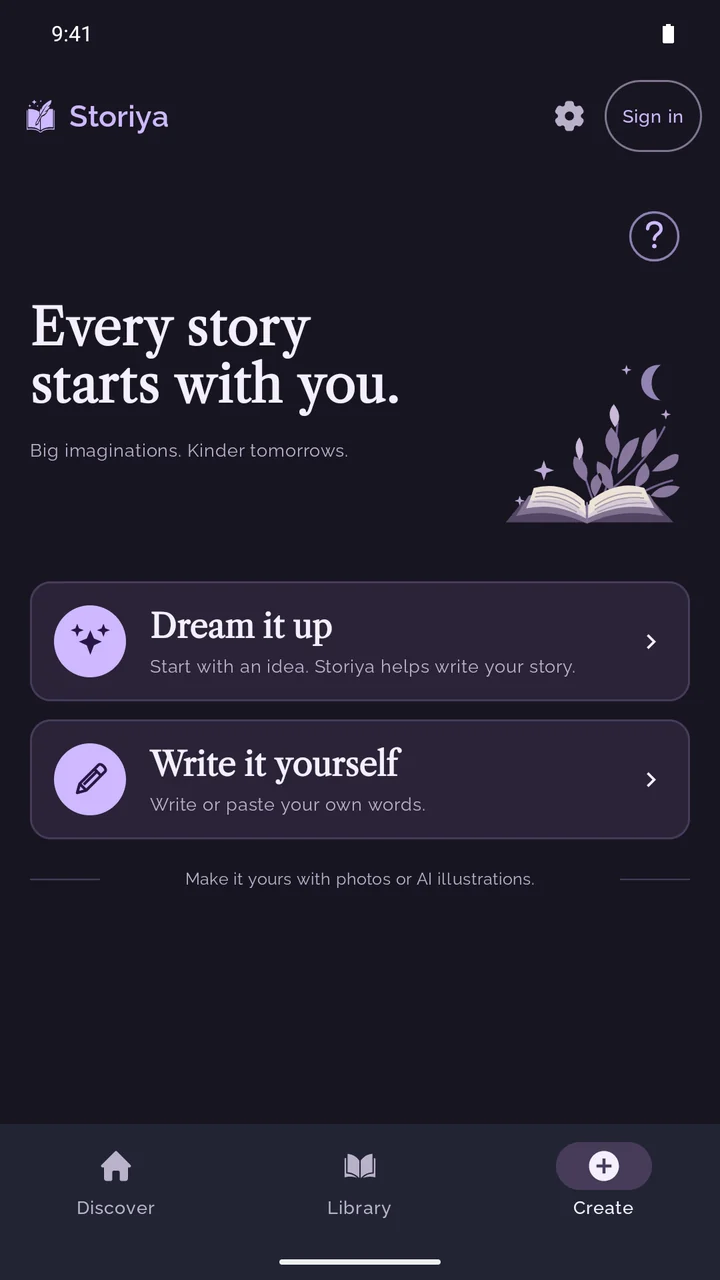
Dream it up
Give Storiya an idea, a character and a little direction. Choose the genre, mood and audience, then shape the AI-written draft into your story.
AI writing · credits quoted firstStory creator & reading app for Android
A story to write. A book to get lost in. A voice to bring it alive. Create, read and listen to illustrated stories with Storiya for Android.
A new chapter of Storiya is on its way. The screens and features below preview our upcoming Android release. The version currently on Google Play may look different.
 Your words. A world of their own.
01 / Begin your way
Two ways to start. Plenty of room to make it your own.
Give Storiya an idea, a character and a little direction. Choose the genre, mood and audience, then shape the AI-written draft into your story.
AI writing · credits quoted firstStart with a few words or bring a whole story. Write or paste your text, chapter by chapter, and keep every detail in your hands.
Your words · no writing credits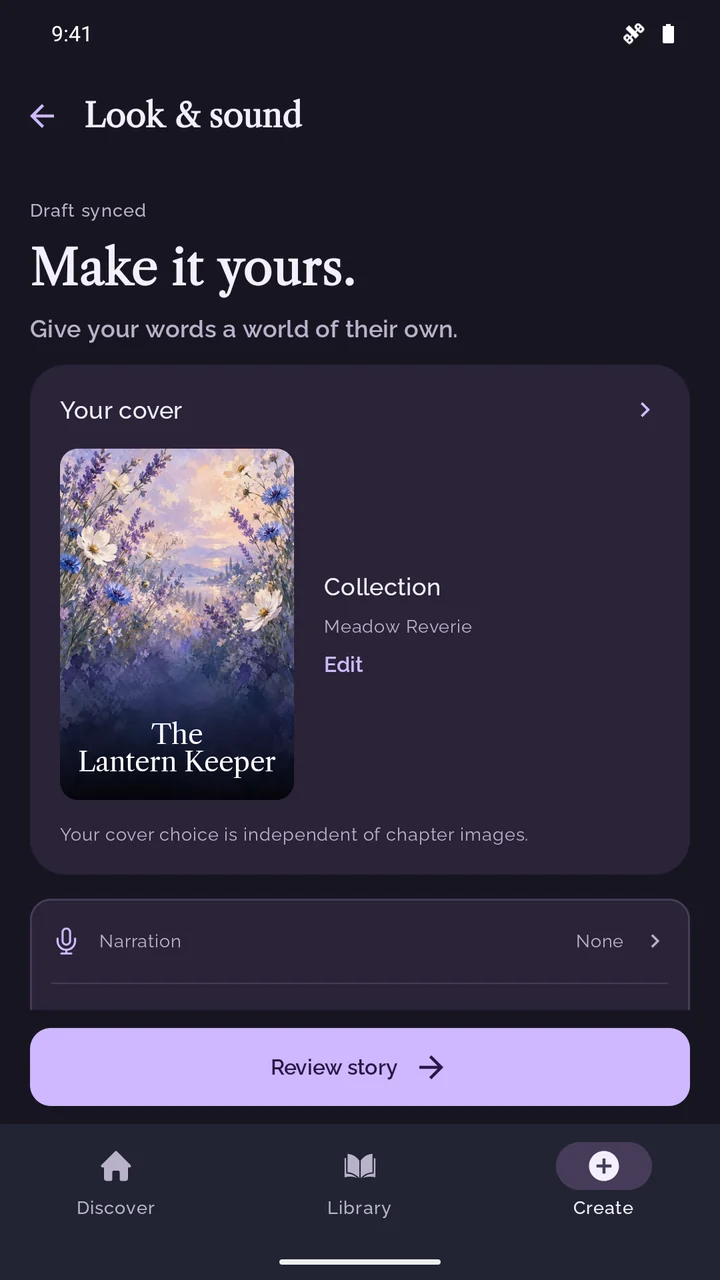
02 / Make it personal
Turn familiar faces, faraway places and favourite details into something you can return to.
Add a description, a reference photo, or both to guide your story and AI illustrations.
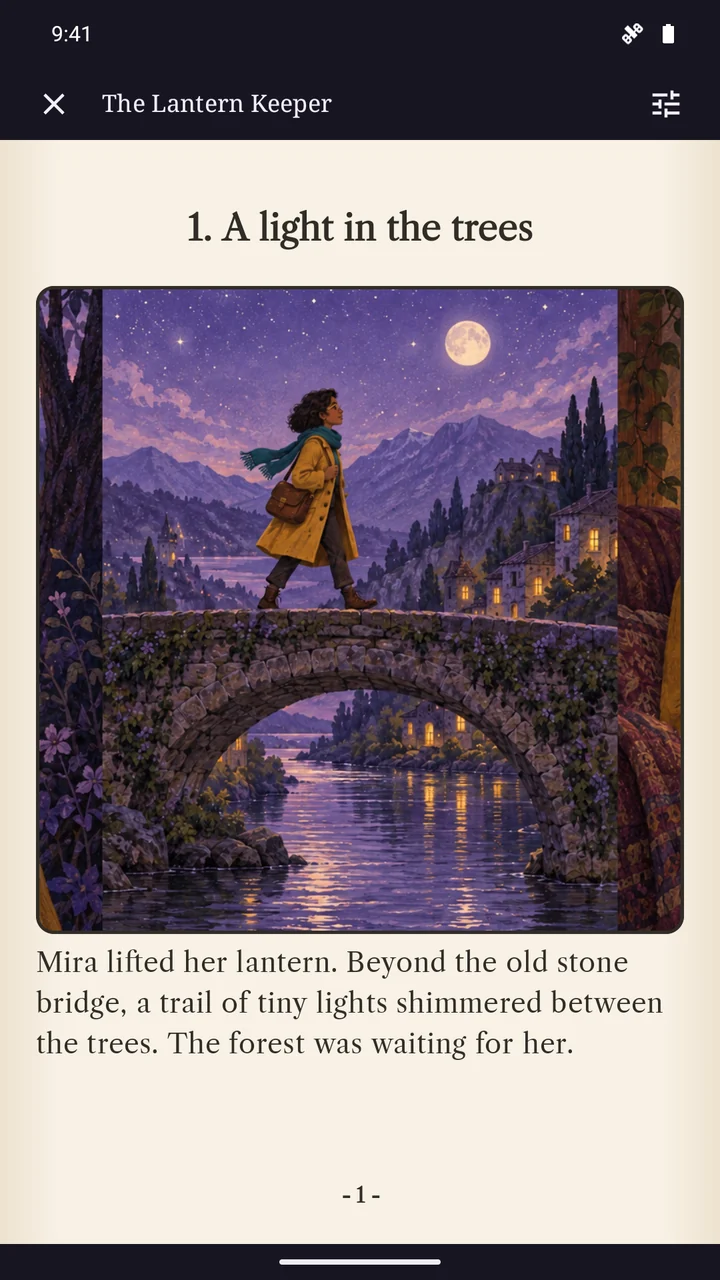
Use your own photos for selected chapters, or choose AI illustrations and a style for your book.
Choose a Collection cover, frame your own photo or create an AI cover. Finish with your choice of paper and font.
03 / Stay a little longer
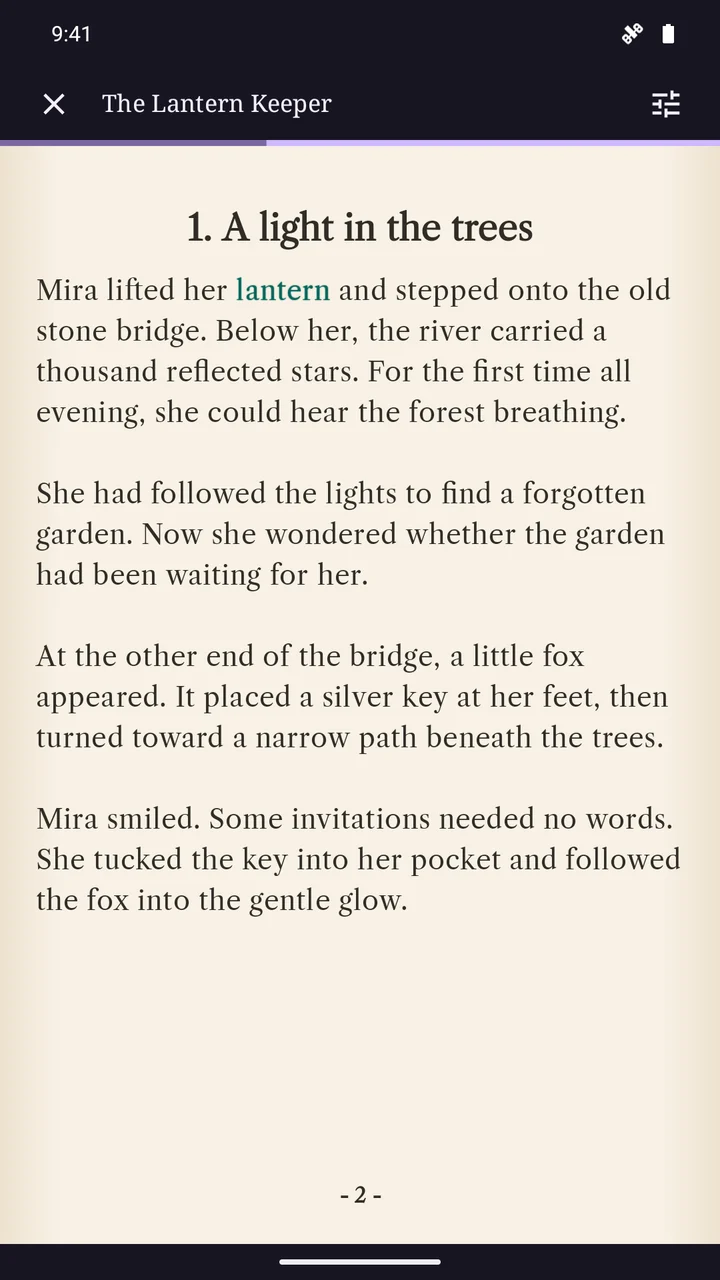
Settle into a book-style reader. Turn the page, adjust your reading preferences and pick up where you left off.
Add optional generated narration, then listen and follow the highlighted words as you read.
Narration is optional and uses credits. Your book is still yours to read without it.
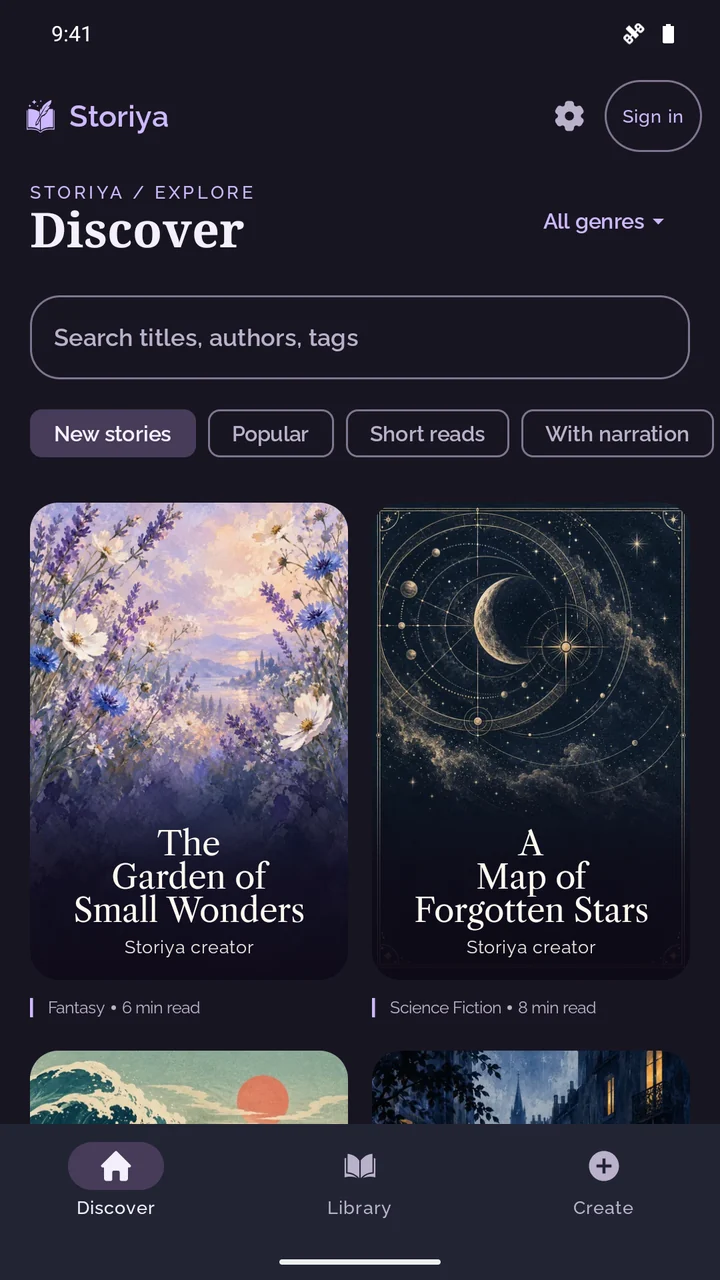
04 / A world beyond your bookshelf
Browse stories shared by other creators. Find a new favourite, or let your own story find its readers.
New stories start privately in your Library. You choose whether to publish them to Discover.
Find your next chapter
From a character and a setting to chapters, photos and optional AI artwork. Explore how the upcoming story creator brings your idea together.
Explore the story creator →Love reading and audiobooks? See how optional AI narration lets you listen to your own stories and follow the highlighted words.
Explore narrated stories →In the upcoming release, Write it yourself lets you write or paste your own chapters. Dream it up is there when you'd like help turning an idea into a draft.
AI-written drafts, AI artwork and generated narration use credits, with a quote before you confirm. In the upcoming release, you can create for 0 credits using your own words and photos, a photo or free Collection cover, and no narration. Credit packs and subscriptions are optional.
Yes. New stories are saved privately in your Library. You choose whether to publish a finished story to Discover. Private stories still use cloud storage and processing; see our Privacy Policy for details.
A character description or photo helps guide the result, but AI can make mistakes and appearances may vary. Review your text and images before sharing.
Storiya is coming to web and iOS soon. Stay tuned!
Your next chapter
Available for Android. Upcoming features shown above.